
LAPTOP /NOTEBOOKServices
We service, upgrade and perform repairs on all Notebooks, Laptops & Ultrabooks
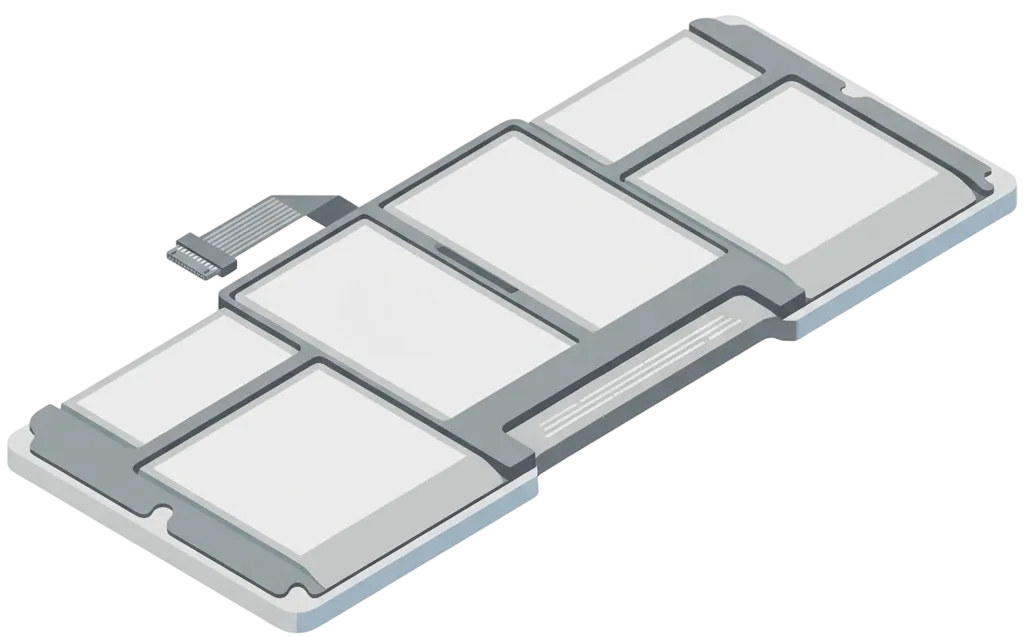
Over time, a laptop's battery can lose its ability to hold a charge, resulting in reduced battery life and performance. Replacing the battery can help improve a laptop's performance and extend its lifespan. The battery replacement process may vary depending on the laptop model, but typically involves removing the old battery and installing a new one.
Symptoms:
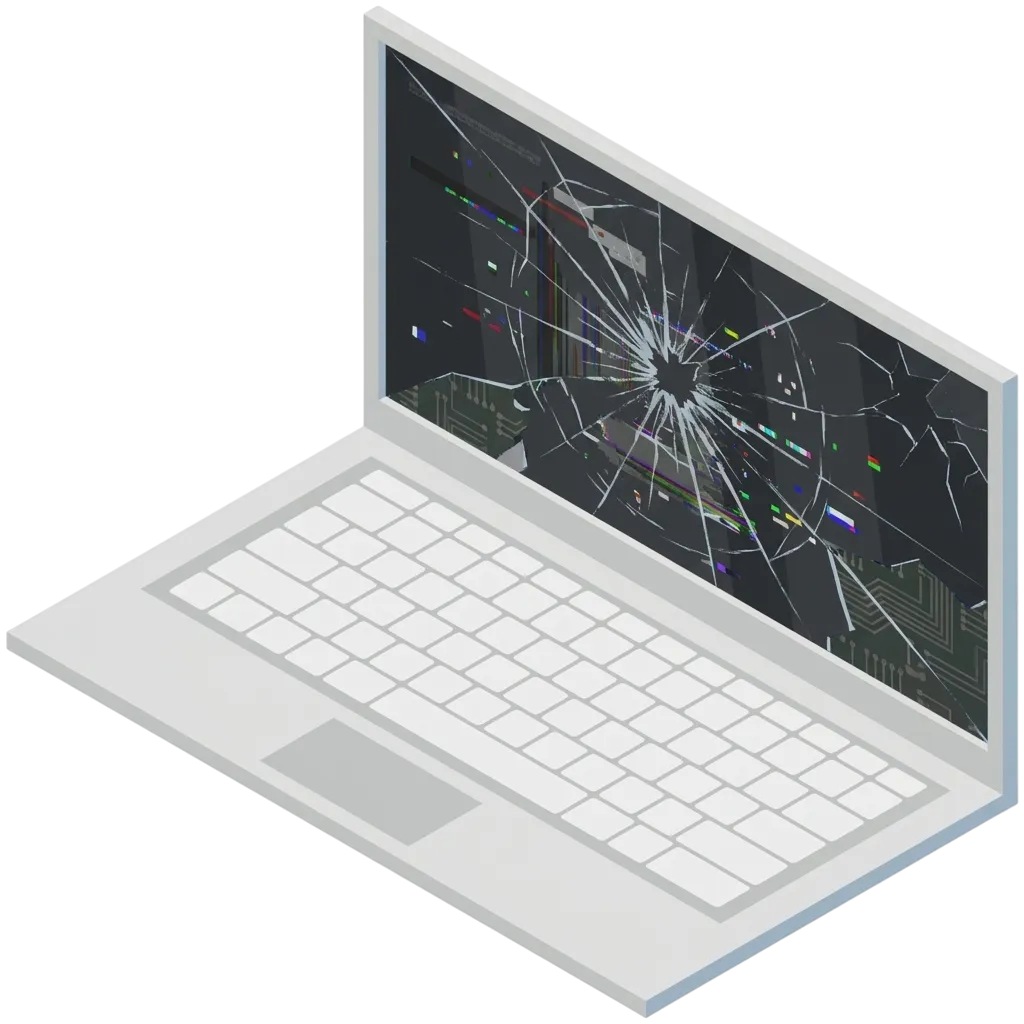
A broken or malfunctioning laptop screen can make it difficult or impossible to use the device. Replacing the screen involves removing the old screen and installing a new one that is compatible with the laptop's model. The screen replacement process can vary depending on the laptop model and may require specialized tools and expertise. It is important to use a high-quality replacement screen to ensure optimal performance and avoid potential safety issues.
Symptoms:
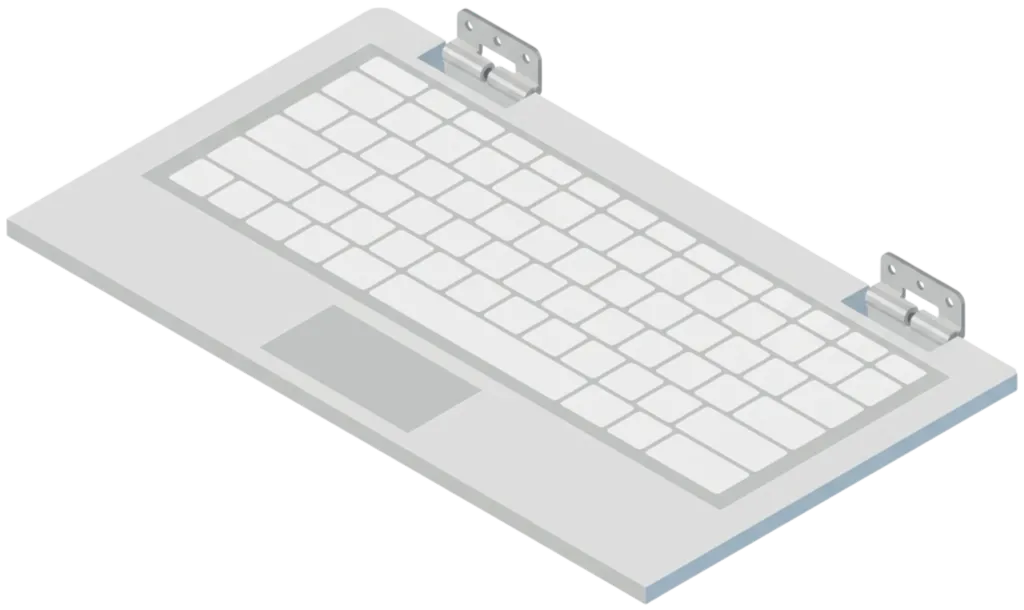
A faulty keyboard can cause several issues, such as keys not working, keys getting stuck, or keys typing the wrong characters. A keyboard replacement service involves removing the old keyboard and replacing it with a new one that is compatible with the specific computer model. The replacement keyboard is typically sourced from the original equipment manufacturer or a reputable third-party supplier. Once the replacement keyboard is installed, the technician will test it to ensure that all keys are working correctly
Symptoms:
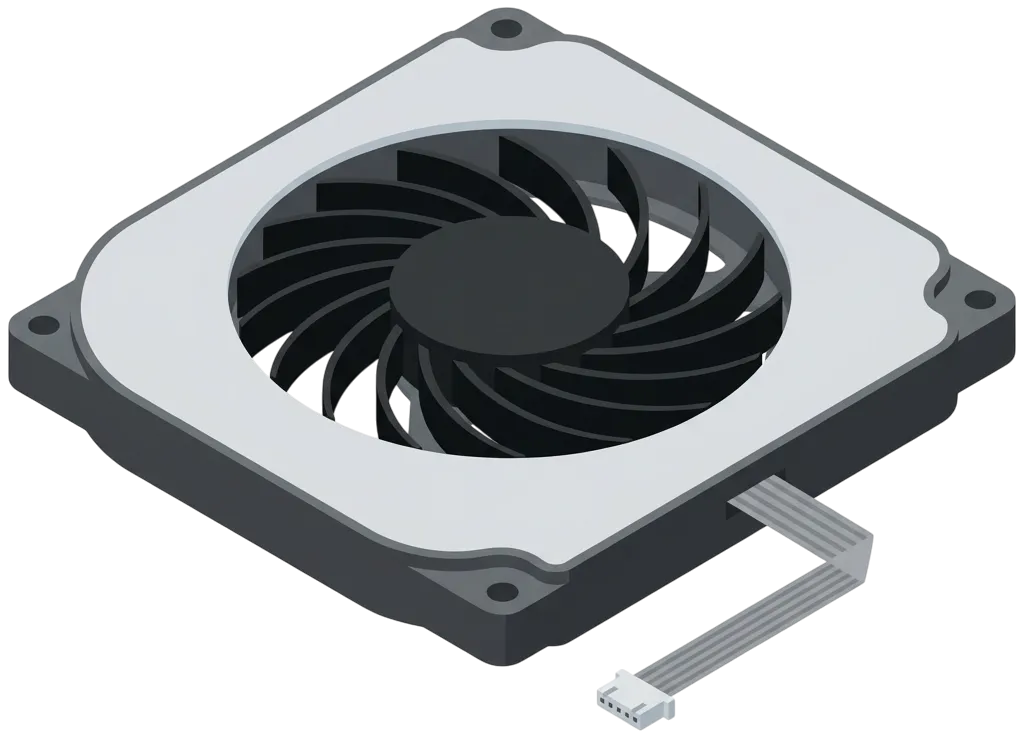
The cooling system is responsible for dissipating the heat generated by the computer's components during operation, and if it fails or becomes clogged with dust, it can cause the computer to overheat, which may result in performance issues or even permanent damage. Repairing or replacing the cooling system may involve disassembling the computer, cleaning the fans and heatsinks, applying new thermal paste, and ensuring proper airflow to prevent future overheating. Regular maintenance of the cooling system can help prevent issues and extend the lifespan of a computer.
Repair/Upgrade Methods:
- 》CPU (Processor) and GPU (Graphics Card) fan replacements
- 》Heatsink replacements
- 》Thermal Paste replacements
- 》Dust cleanouts
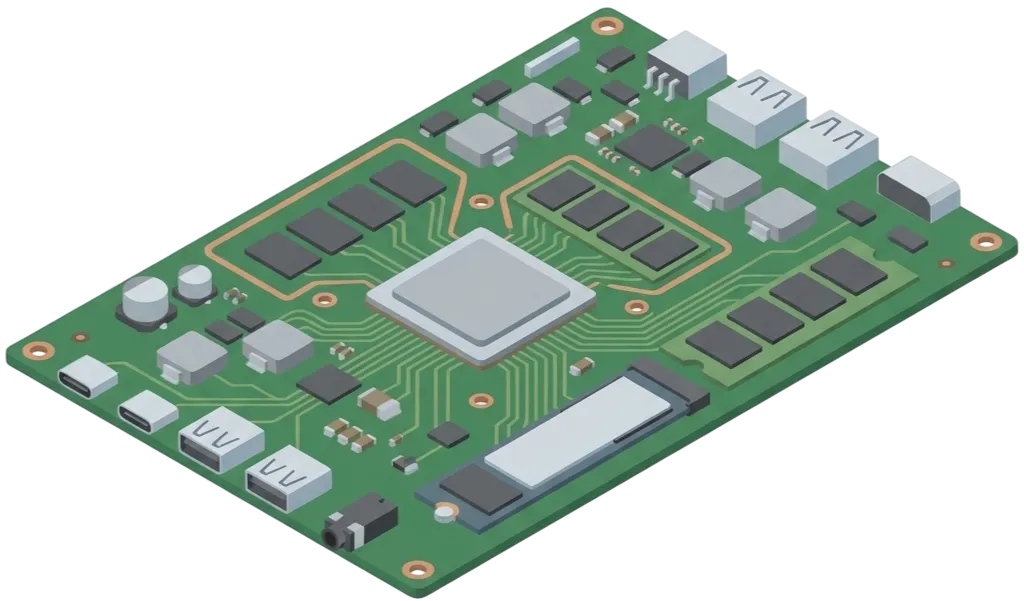
Motherboard and PCB (Printed Circuit Board) repairs are essential for notebook computers as they are the main component that connects and controls all other hardware components. A faulty or damaged motherboard can result in several issues, including system crashes, booting failures, and performance issues. Repairing a motherboard or PCB in a notebook computer can involve diagnosing the specific issue, identifying the faulty component or circuit, and then replacing or repairing it. This process generally requires specialized equipment and expertise, such as soldering and advanced diagnostics. In some cases, it may be more cost-effective to replace the motherboard or PCB rather than attempting a repair.
Symptoms:
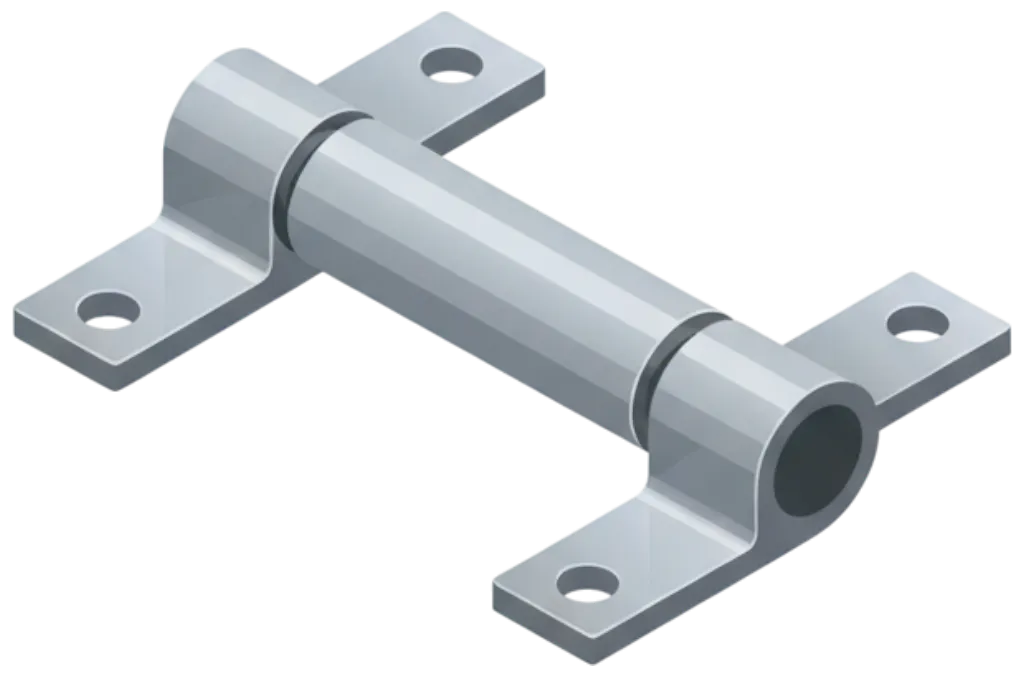
The Laptop Hinge is the pivotal connector in your portable computer. It links the display panel to the base, enabling smooth opening, closing, and positioning of the screen. When a hinge begins to fail or becomes damaged, you'll notice significant issues with the device's structural integrity, usability, and potential harm to internal components like cables or the screen. Repairing the hinge can restore seamless functionality, prevent further damage, and prolong the lifespan of your laptop.
Symptoms:
Repair/Upgrade Methods:
- 》Use epoxy resin to readhere broken parts
- 》Plastic welding for durable bonds
- 》Replace the hinge entirely
- 》Replace the panel where the nuts or mounts sit
The Hard Disk Drive (HDD) or Solid State Drive (SSD) is the primary storage component in your laptop. It stores the operating system, applications, and user data, playing a critical role in performance and data access. When an HDD or SSD begins to fail or becomes outdated, you'll experience slow performance, data loss risks, or insufficient storage capacity. Replacing or upgrading the HDD/SSD can significantly boost your laptop's speed, reliability, and storage capacity, enhancing overall functionality.
Symptoms:
Repair/Upgrade Methods:
- 》Replace failing HDD/SSD with a new unit
- 》Upgrade to a higher-capacity or faster SSD
- 》Clone existing data to the new drive
- 》Reinstall the operating system and restore backups
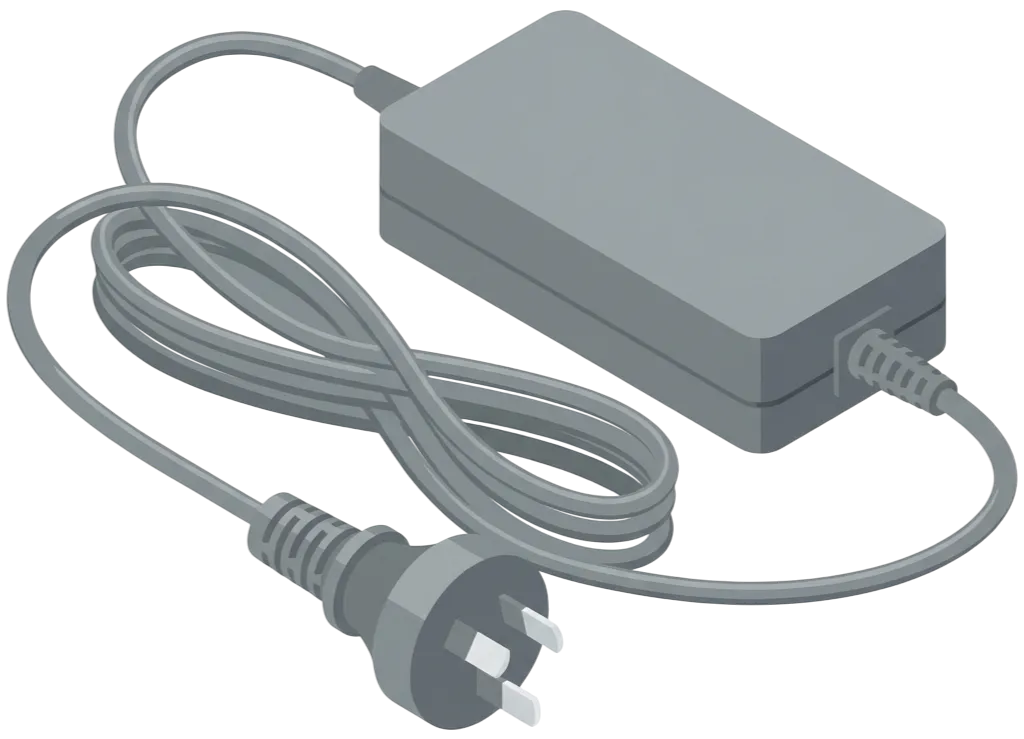
We have a wide variety of laptop chargers in stock, which should cover most models. If we don't have the charger you need, we'll do our best to get it for you within 1-2 business days. We offer both genuine manufacturer chargers and high-quality aftermarket replacements, all of which come with a minimum 12-month warranty. Please Note: We do not use cheap quality chargers so our pricing may not reflect the prices off other stores. We only sell high quality aftermarket or genuine chargers to ensure the ongoing integrity of your device.
Book your repair with TECHBAY
Melbourne & Bayside computer repair specialists — free diagnostics, no fix no fee, and a 12-month warranty on every repair. Book online or call our team directly.